Introduction
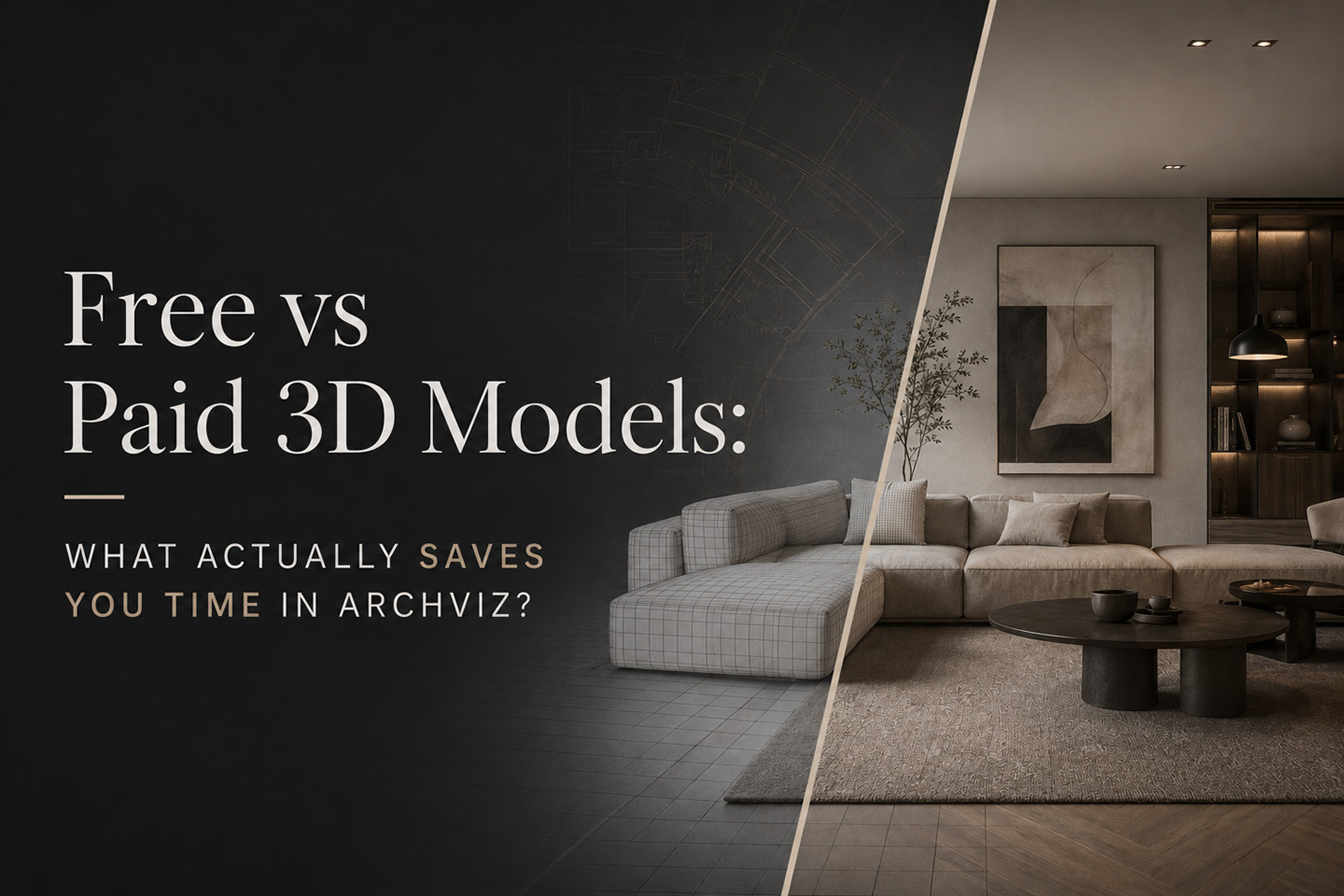
The debate around free vs paid 3D models has been around for years. Most people approach it from a simple angle: save money or spend money.
That is not the real question.
In architectural visualization, the real tradeoff is time. How long it takes to find the right asset, how much effort it takes to make it work, and how predictable the result will be inside your scene.
There are excellent free 3D models available today. There are also highly refined paid 3D assets built for production workflows. Both have a place. The difference comes down to how they fit into your process.
This article breaks down how free and paid 3D models behave inside a real archviz workflow, and how to use both without slowing yourself down.
The Evolution of Free 3D Models
Free 3D models are no longer what they used to be.
A few years ago, most free assets were inconsistent, poorly optimized, or missing critical elements. Today, many free libraries include high quality models created by skilled artists and studios. You can find detailed furniture, plants, lighting fixtures, and even full scene elements without spending anything.
For many artists, free 3D assets are the starting point of every project.
They are especially useful for:
- Exploring ideas quickly
- Filling scenes with variety
- Testing compositions
- Building early drafts without commitment
The strength of free models is flexibility. You can download ten variations of the same object and experiment freely.
The challenge is not quality. It is consistency and predictability.
What Paid 3D Models Actually Offer
Paid 3D models are not simply “better” versions of free ones. The main difference is structure.
Most paid assets are created with production workflows in mind. That usually means:
- Consistent scale and real world units
- Clean topology and proper UV mapping
- Complete PBR material setups
- Organized files and naming
- Reliable results across different software
This consistency becomes important when you are working on full scenes rather than isolated objects.
Instead of thinking of paid models as premium objects, it is more accurate to think of them as reliable building blocks. They reduce uncertainty and help you move faster when the scene starts getting complex.
The Real Difference: Workflow Friction
The most useful way to compare free vs paid 3D models is through the idea of friction.
Friction is everything that slows you down:
- Searching for the right asset
- Testing multiple downloads
- Fixing scale or orientation
- Adjusting materials
- Replacing assets that do not fit
Free models tend to introduce variable friction. Sometimes you find exactly what you need and it works immediately. Other times, you spend more time fixing the asset than using it.
Paid models tend to reduce friction. Not because they are always visually superior, but because they behave in a predictable way.
This difference becomes more noticeable as your scenes grow in complexity.
A Practical Workflow Comparison
Let’s look at a simple scenario.
Adding a Furniture Piece to an Interior Scene
Using a Free 3D Model
You start by searching through a library. You find a model that looks right and download it.
Best case:
- It imports cleanly
- The scale is correct
- Materials are already set up
You are done in minutes.
More commonly:
- The scale needs adjustment
- Materials need reassignment
- Textures are missing or inconsistent
- Shading needs small fixes
Sometimes it works quickly. Sometimes it turns into a longer adjustment process.
Estimated time: 5 to 45 minutes depending on the asset.
Using a Paid 3D Model
You import the model into your scene.
- Scale is already correct
- Materials are properly assigned
- The model behaves as expected
You position it and continue working.
Estimated time: 2 to 10 minutes, with much less variation.
The Key Insight
The difference is not quality. It is variance.
Free assets can be excellent, but the time required to integrate them is less predictable. Paid assets tend to offer a smoother and more consistent experience.
Consistency Across a Full Scene
This is where the difference becomes more important.
When building a full architectural visualization, you rarely use a single asset. You are combining dozens of models such as furniture, lighting, decor, and vegetation.
When those assets come from different sources, especially free libraries, you may encounter:
- Slight scale differences
- Inconsistent material response
- Variation in detail levels
- Different artistic styles
Each of these issues is small on its own, but together they can affect the overall cohesion of the scene.
Paid collections often feel more unified. Even when sourced from different creators, they tend to follow similar standards. This reduces the amount of correction needed to make everything feel balanced.
Over time, this can save a significant amount of effort.
Performance and Optimization
Performance is another important factor, especially if you are working in real time engines like Unity or Unreal Engine.
Free 3D models vary widely in optimization. Some are lightweight and efficient. Others are extremely dense or not designed for real time use.
Paid models are more likely to be built with a specific use case in mind. That can include:
- Balanced polycount
- Cleaner geometry
- More efficient texture usage
For archviz artists working on interactive presentations or web based experiences, this becomes critical. A well optimized asset can make the difference between a smooth scene and a heavy one.
If your workflow involves web previews or interactive viewers, choosing the right assets becomes even more important.
When Free 3D Models Are the Smart Choice
Free models are not a compromise. They are an essential part of many workflows.
They are especially effective for:
- Early stage concept work
- Blocking out scenes quickly
- Adding background elements
- Expanding your asset variety without cost
- Learning and experimentation
Having access to a wide range of free 3D assets allows you to move quickly during the creative phase.
A well curated library that includes both free and premium models can give you the best of both worlds.
When Paid 3D Models Save You Time
Paid models become more valuable as the project moves toward completion.
They are particularly useful when:
- You are working on client projects
- Deadlines are tight
- The scene requires a high level of polish
- You need reliable, repeatable results
- You are building a reusable asset library
In these situations, reducing uncertainty is often more important than saving a small upfront cost.
The time saved on each asset adds up across the entire project.
The Hybrid Workflow That Actually Works
Most experienced archviz artists do not rely exclusively on free or paid models. They combine both strategically.
A common approach looks like this:
- Start with free models to explore ideas and build rough compositions
- Test different layouts and variations quickly
- Replace key elements with more refined assets as the scene develops
- Use higher quality models for focal points and final output
This approach allows you to stay flexible early on while maintaining control and consistency in the final stages.
If your asset library is organized well, switching between free and paid models becomes seamless.
Building an Efficient Asset Library
The real advantage is not choosing one category over the other. It is building a library that supports your workflow.
Instead of downloading random assets from multiple sources, it helps to work with a curated collection where:
- Free models are organized and easy to browse
- Paid models are consistent and ready for production
- Categories are structured for quick access
- Assets are prepared for real use cases
A platform that combines both types of models in a structured way can reduce a lot of the searching and sorting time that usually slows projects down.
Final Thoughts
Free and paid 3D models are not competing options. They serve different roles.
Free models give you flexibility, speed during exploration, and access to a wide variety of assets.
Paid models give you consistency, predictability, and a smoother path to final results.
The most efficient archviz workflows use both intentionally.
If your goal is to move faster and produce better work, the focus should not be on choosing one over the other. It should be on reducing friction and building a system that supports your process from concept to final render.